Design a user experience to cater for a diverse range of community engagement
As a user experience designer for the City of Boroondara, I was tasked with designing touch screen kiosks that would be easy to use for everyone in the community. I started by conducting research into the demographics of the local community.
Working closely with the council and community, I then developed wireframes, visual designs, and prototypes through a collaborative process. By testing and refining the kiosks based on user feedback, we were able to create a solution that truly catered for the diverse needs of the Boroondara community.
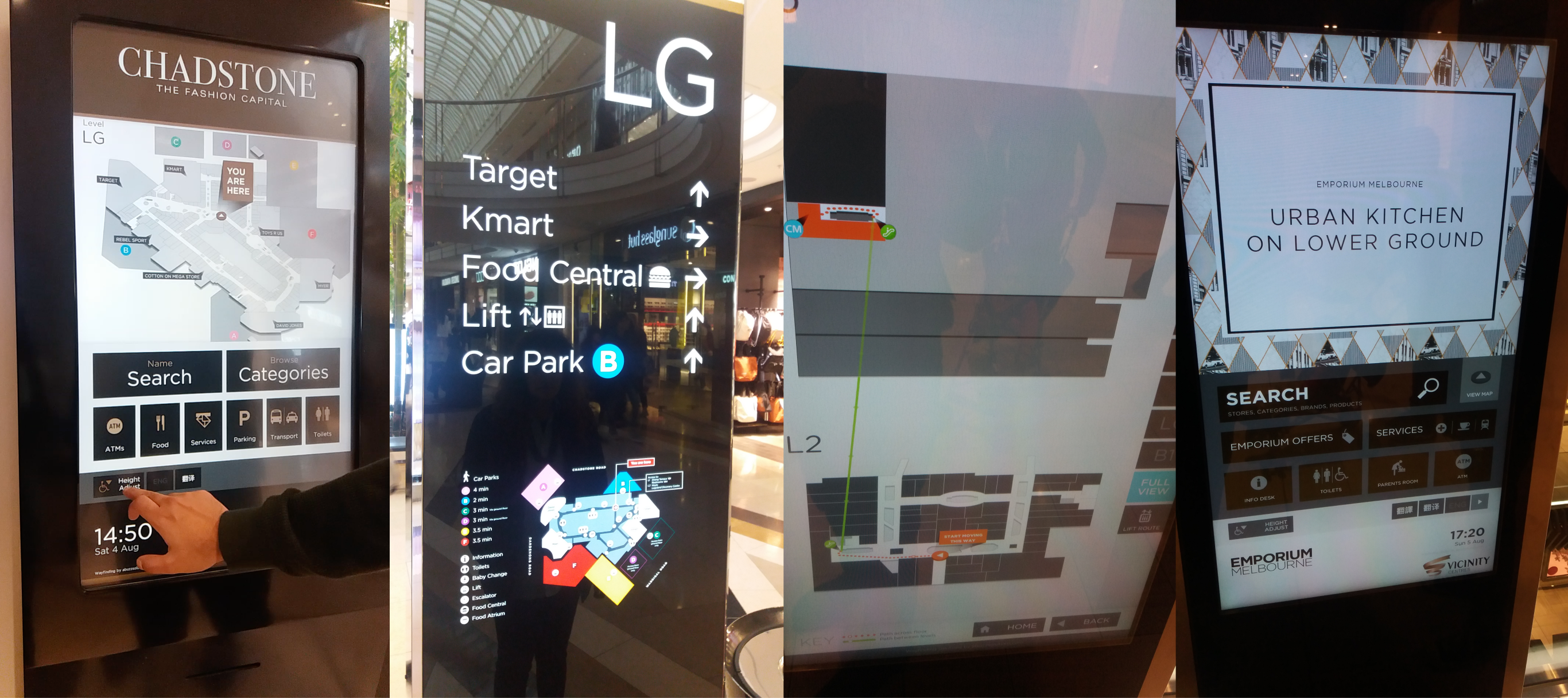
Woah! Where did all these screens come from?
I visited various malls and observed how businesses and organizations were using them to engage with their audiences. Though it wasn't an extensive research, I still learned a lot by observing the commonalities and differences among these kiosks.
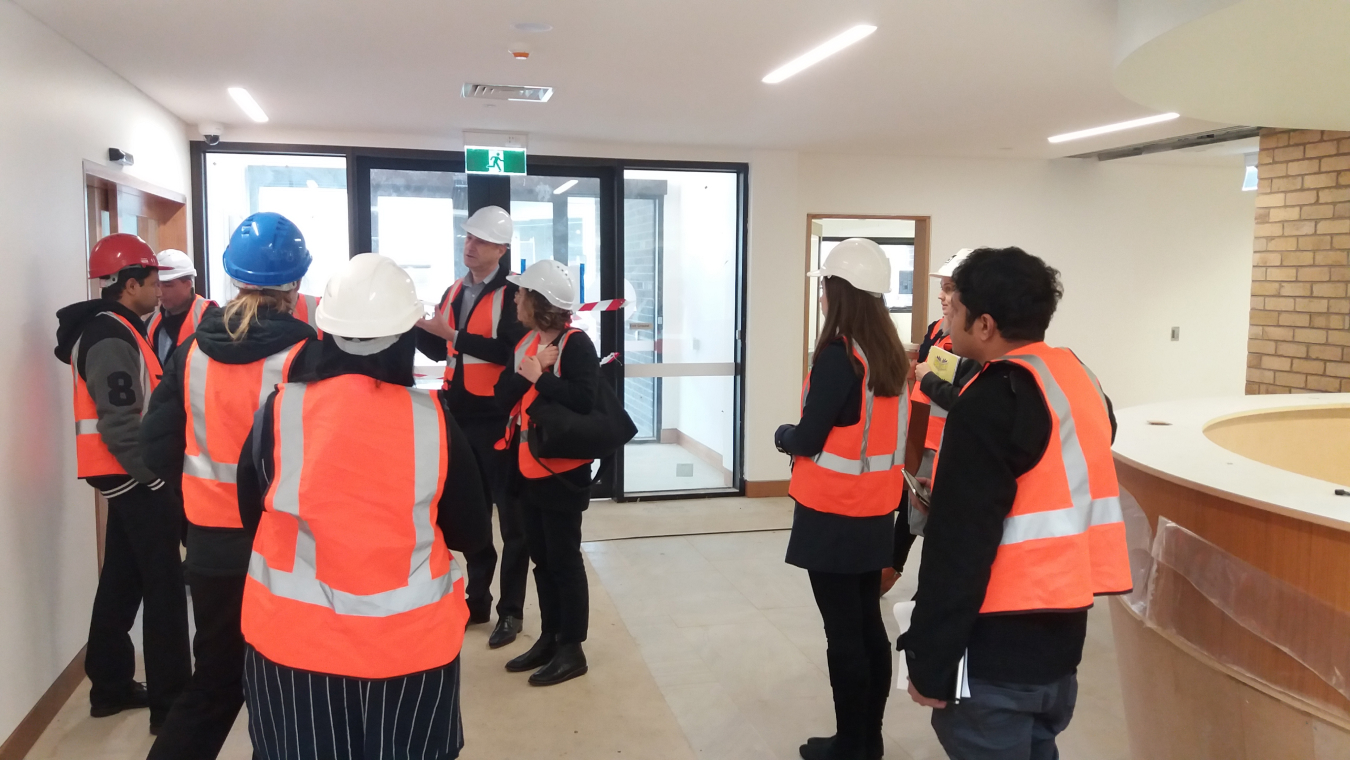
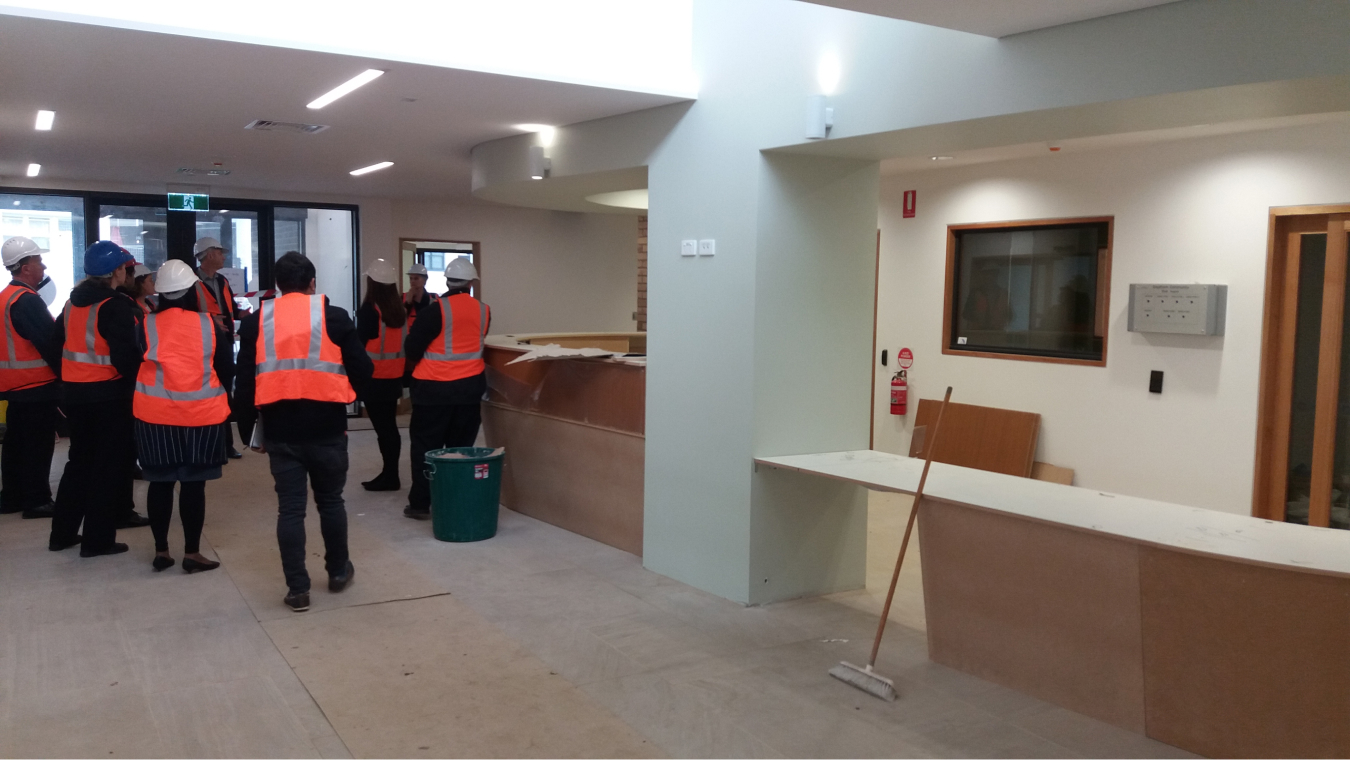
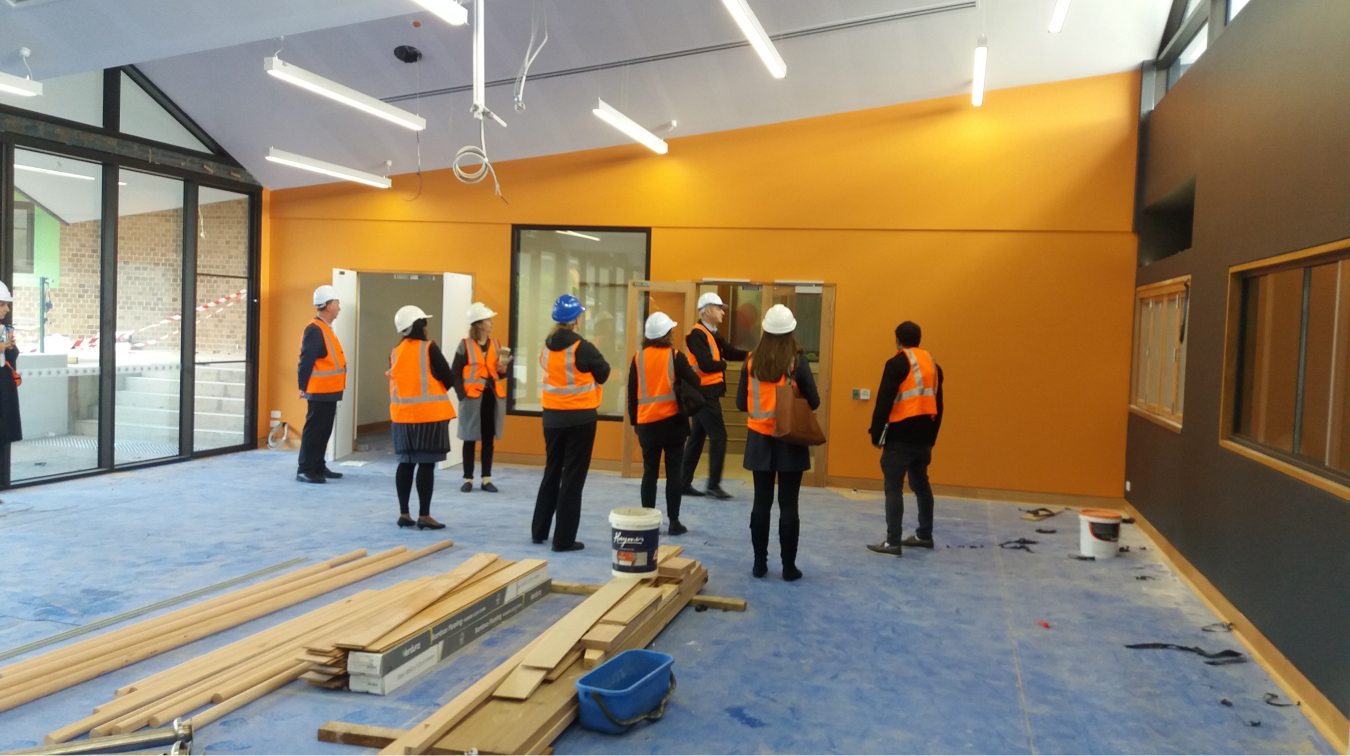
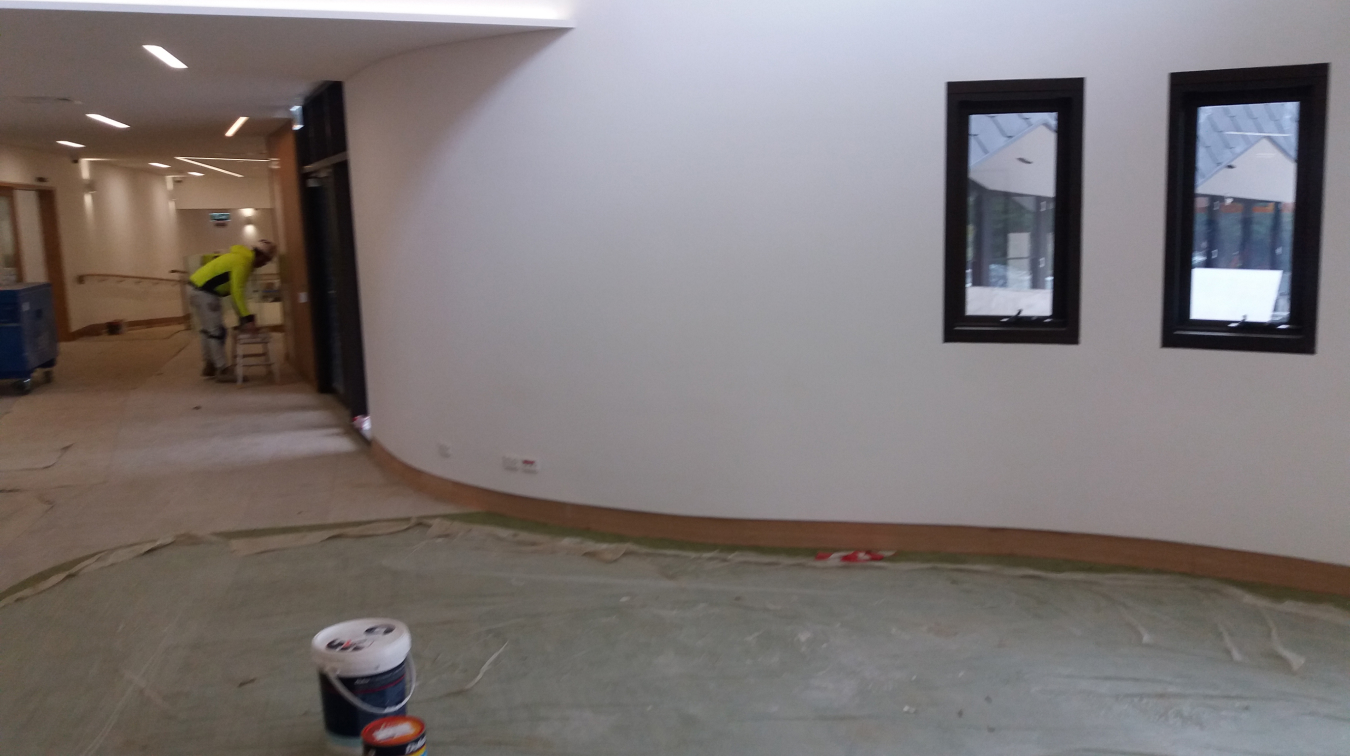
Lessons from the Greythorn Community Hub site visit
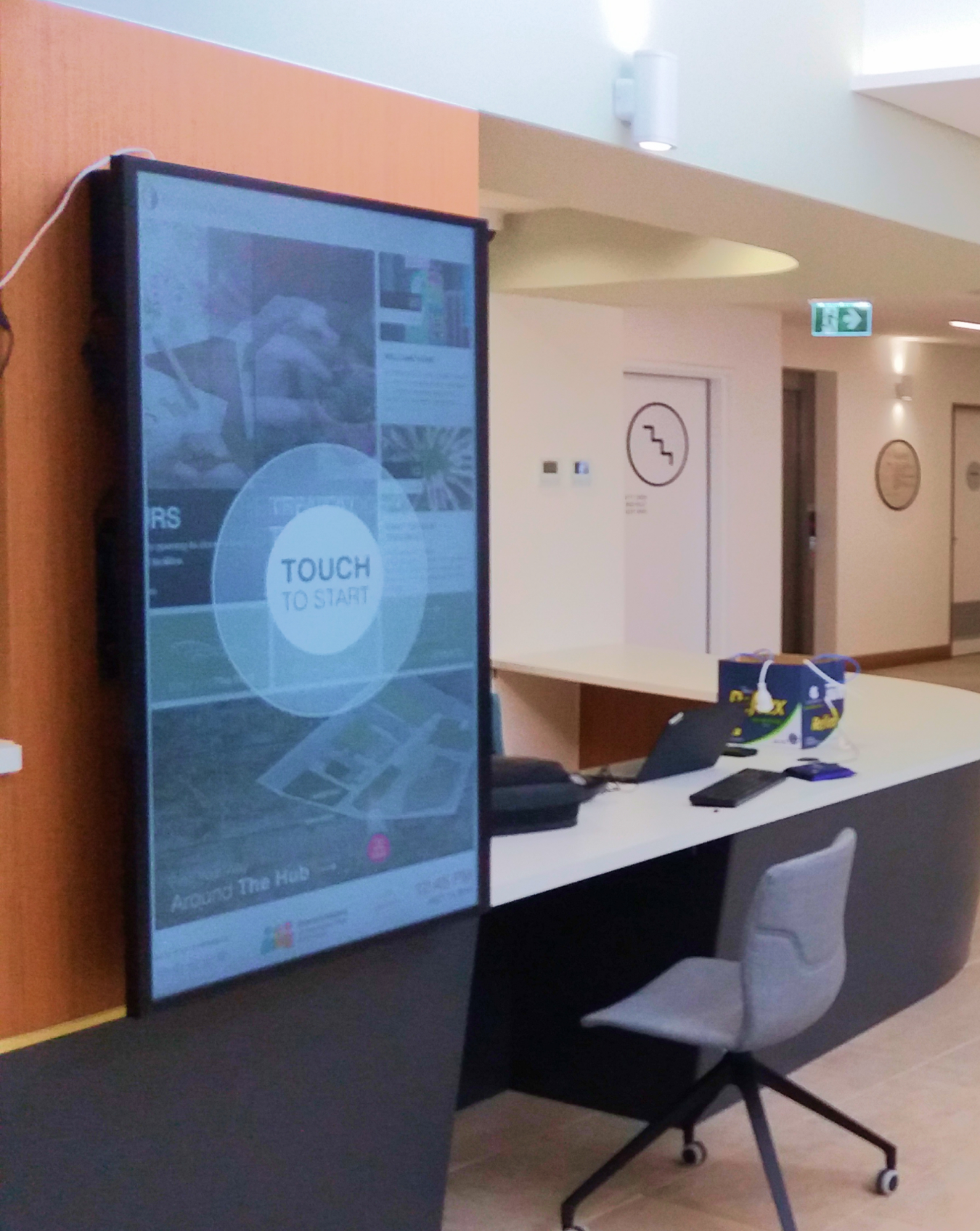
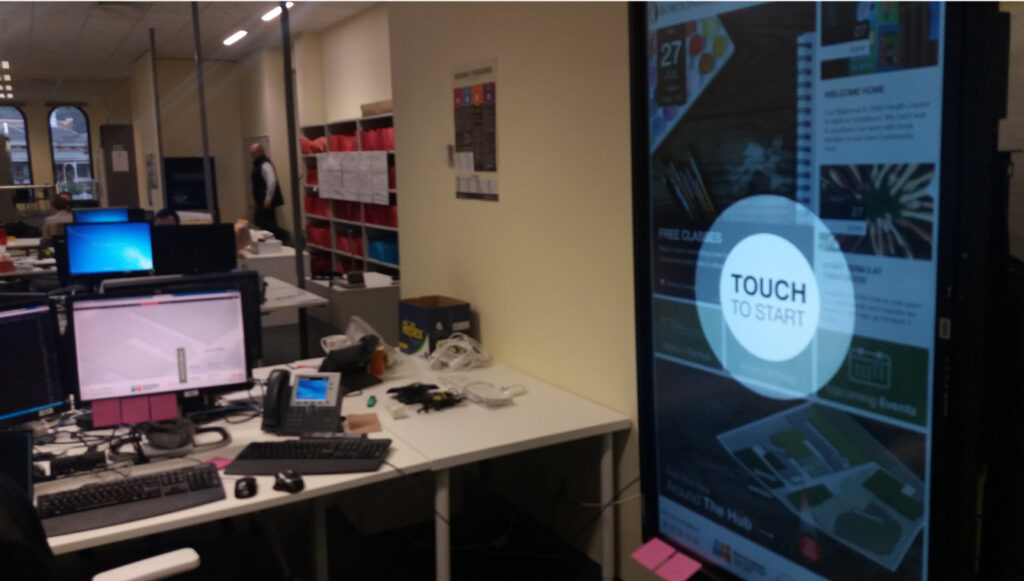
During my visit to the construction site, we got a glimpse of the future home of the touch screen kiosks. I made note of potential challenges that could affect the user experience, such as direct sunlight on the reception screen and the need for a highly visible "Touch to start" button.
These considerations were incorporated into the design to ensure a seamless and user-friendly experience for all. Who knew that visiting a construction site could be so valuable for designing interactive screens?
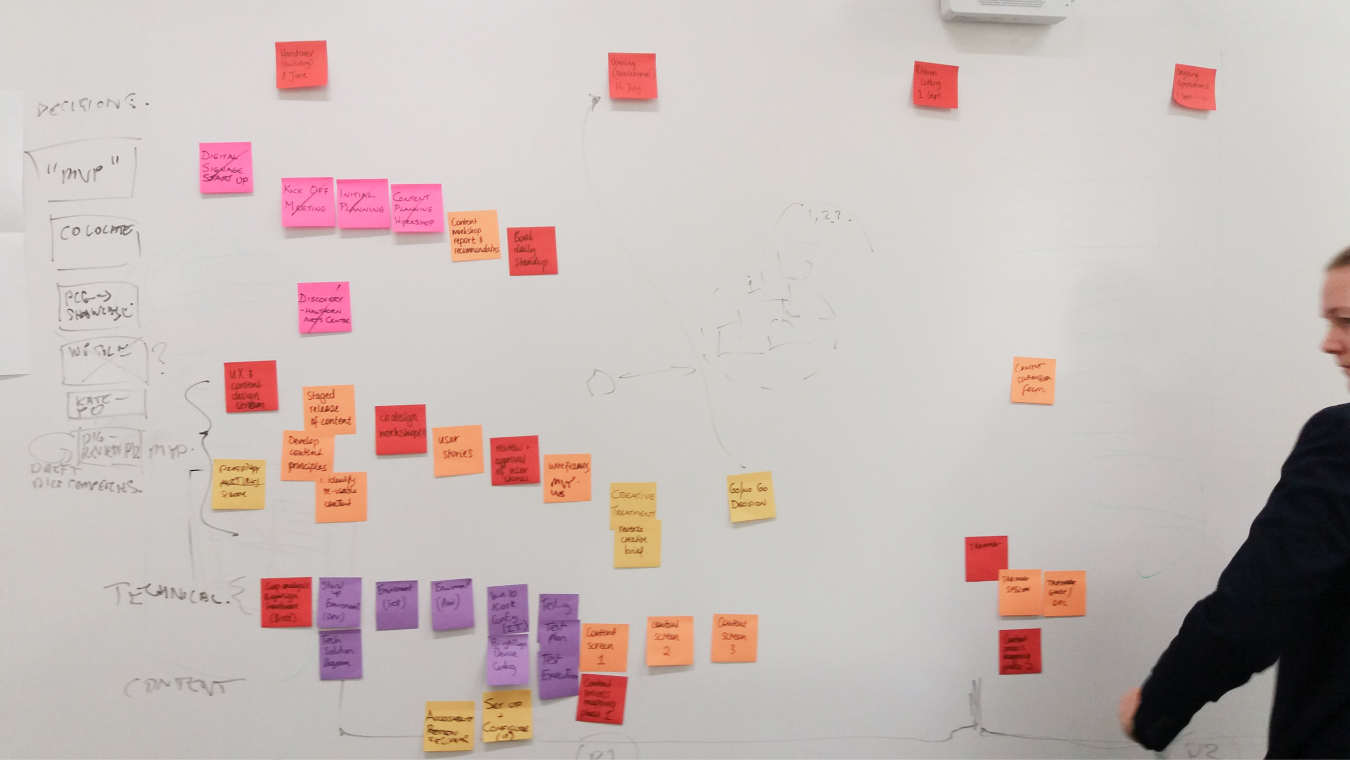
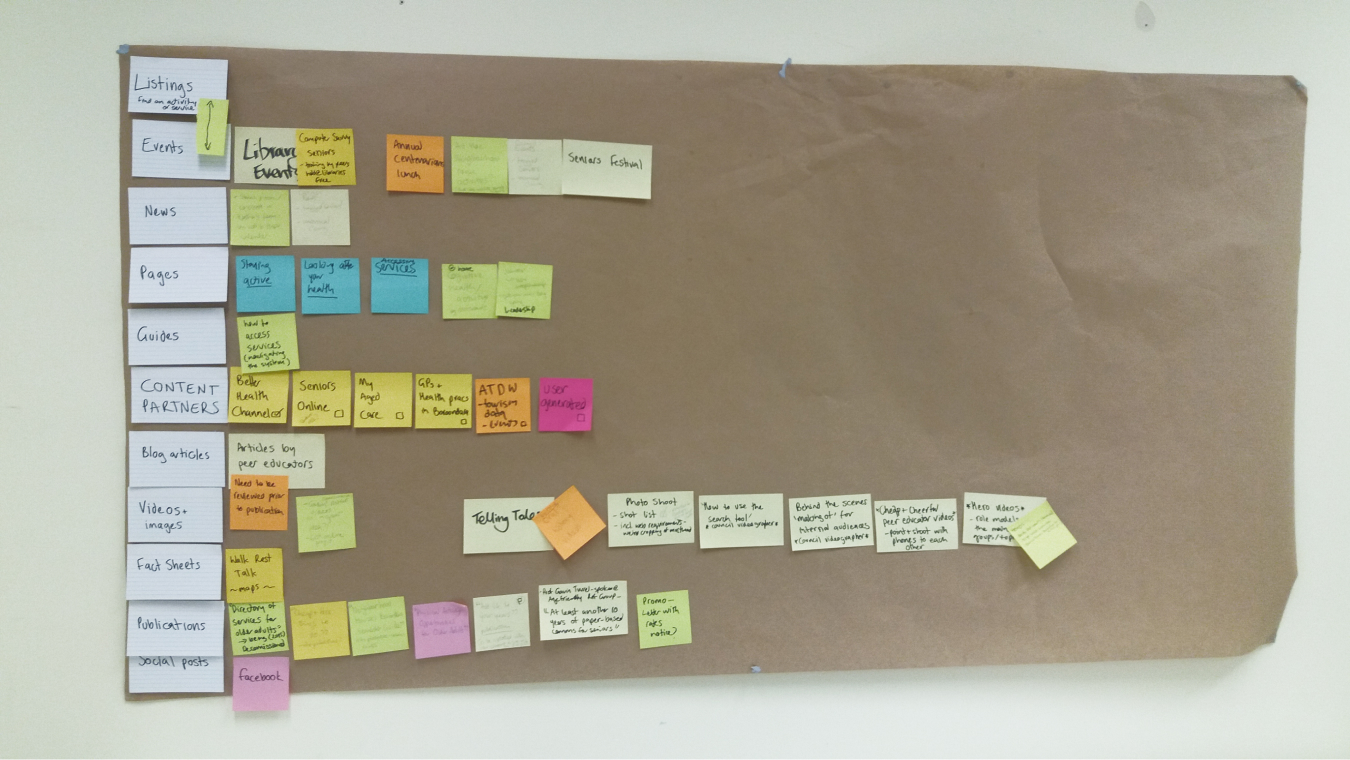
Sticky notes, swim lanes, whiteboards, and RICE: the Agile adventure!
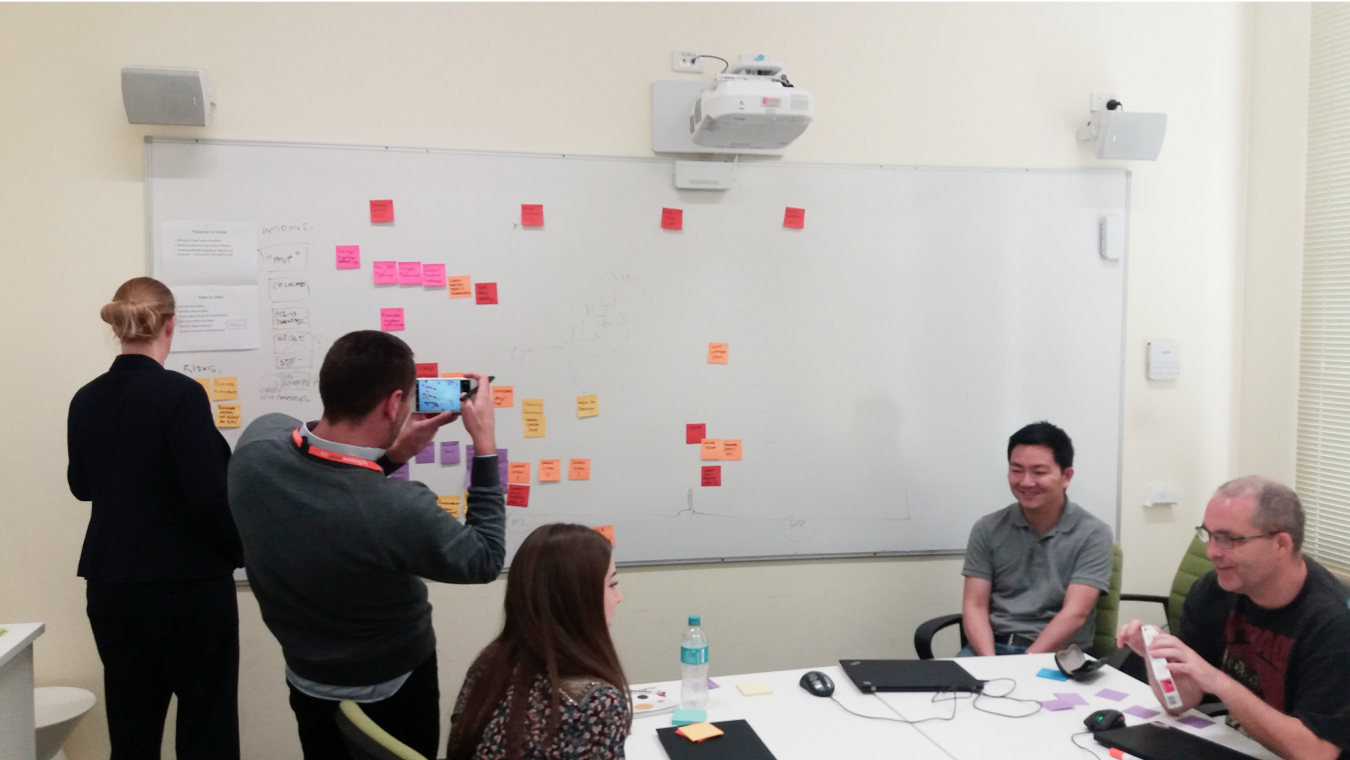
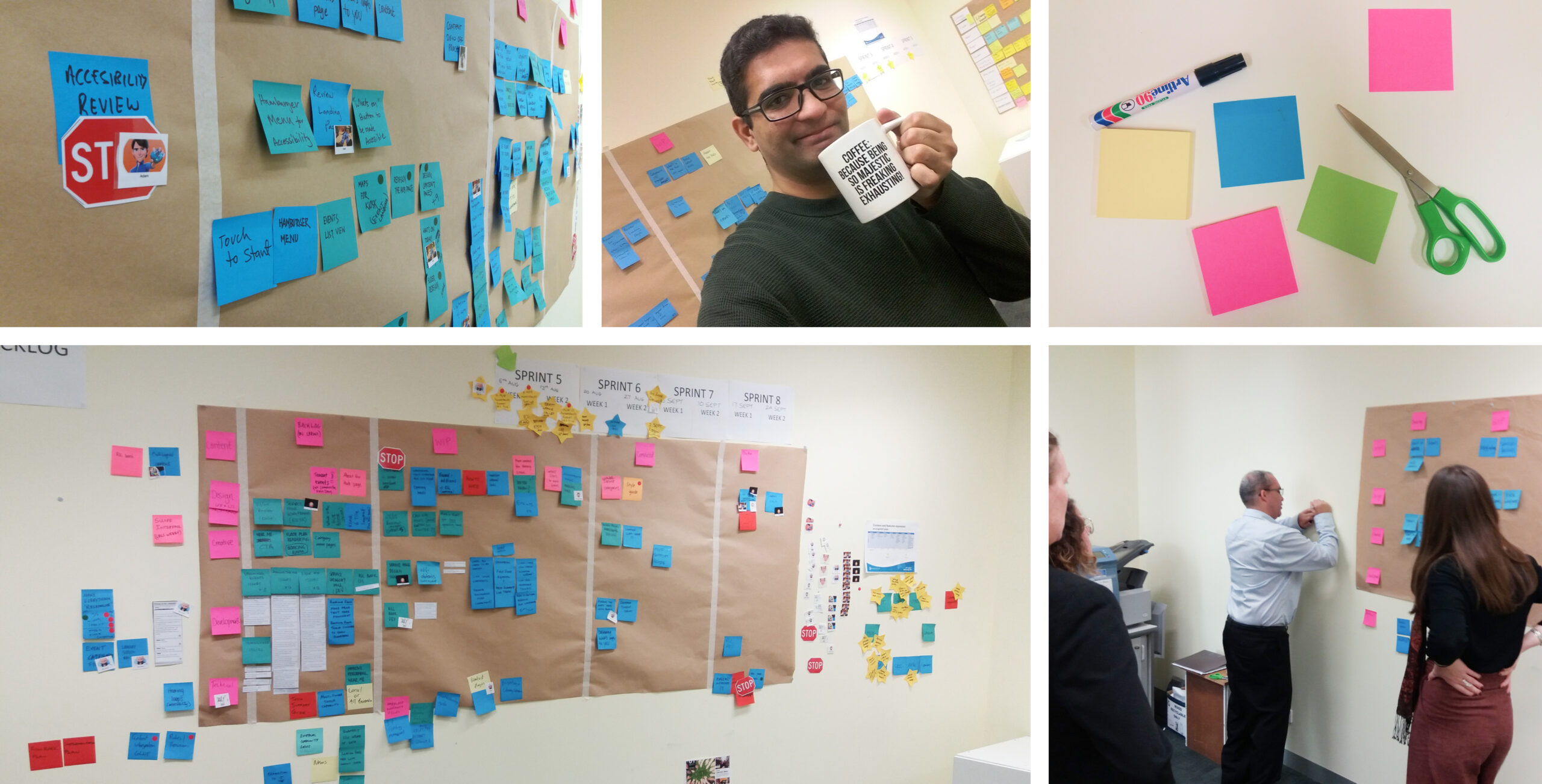
We turned a room into our informal project headquarters, adorned its walls with colorful sticky notes, and tracked our progress, sprints, team assignments, and blockers.
Each morning, we'd huddle around our makeshift war room to prioritize features, needs, and goals. We used the RICE (reach, impact, confidence and effort) prioritization framework to guide our decision-making and JIRA to track our work.
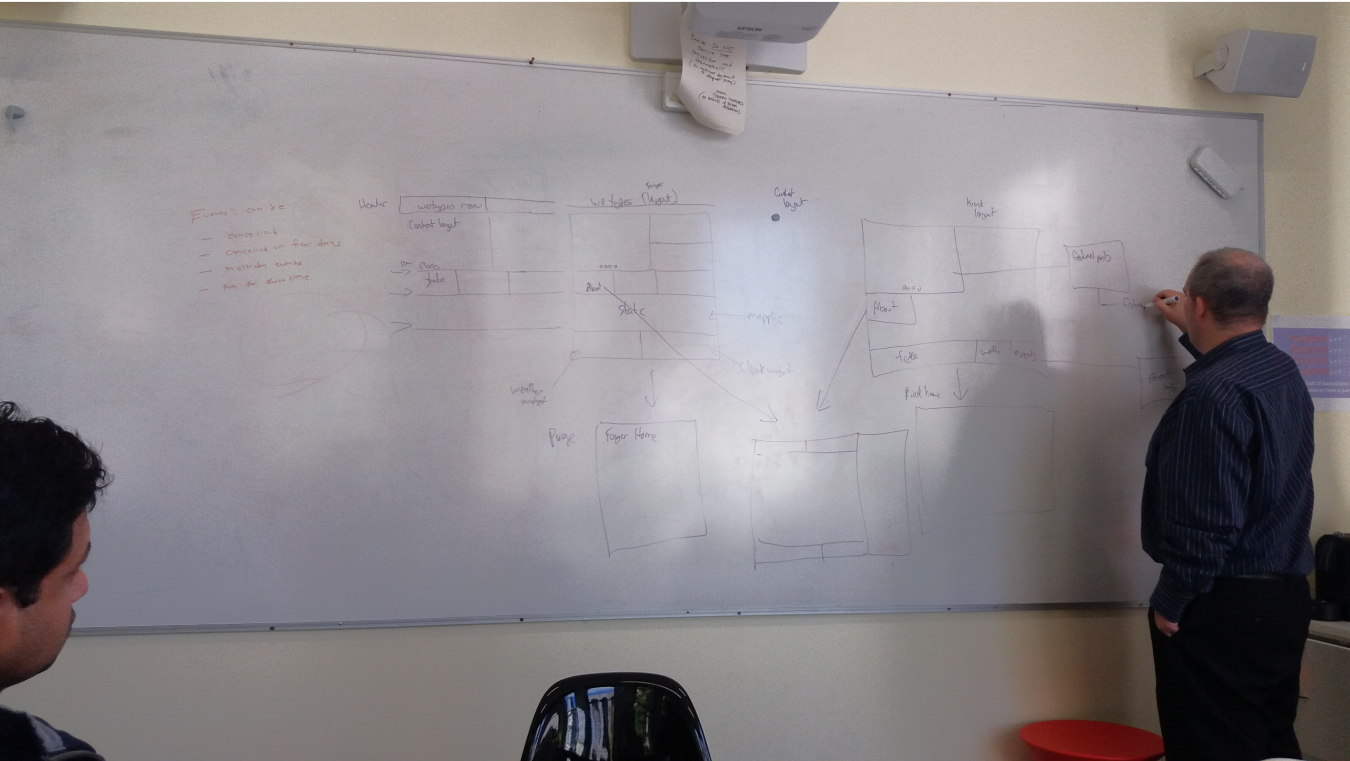
Stringing it all together: early concept designs
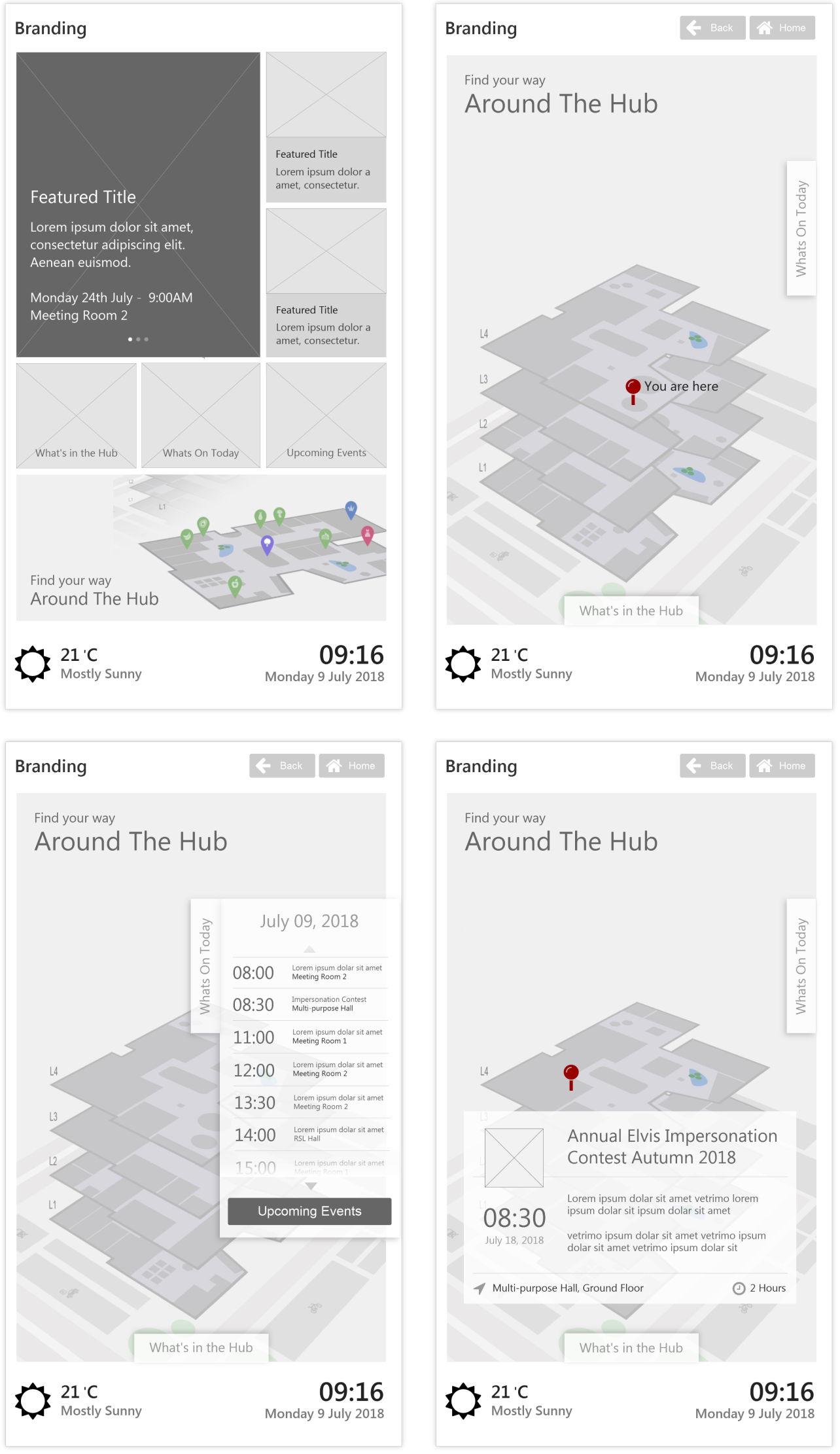
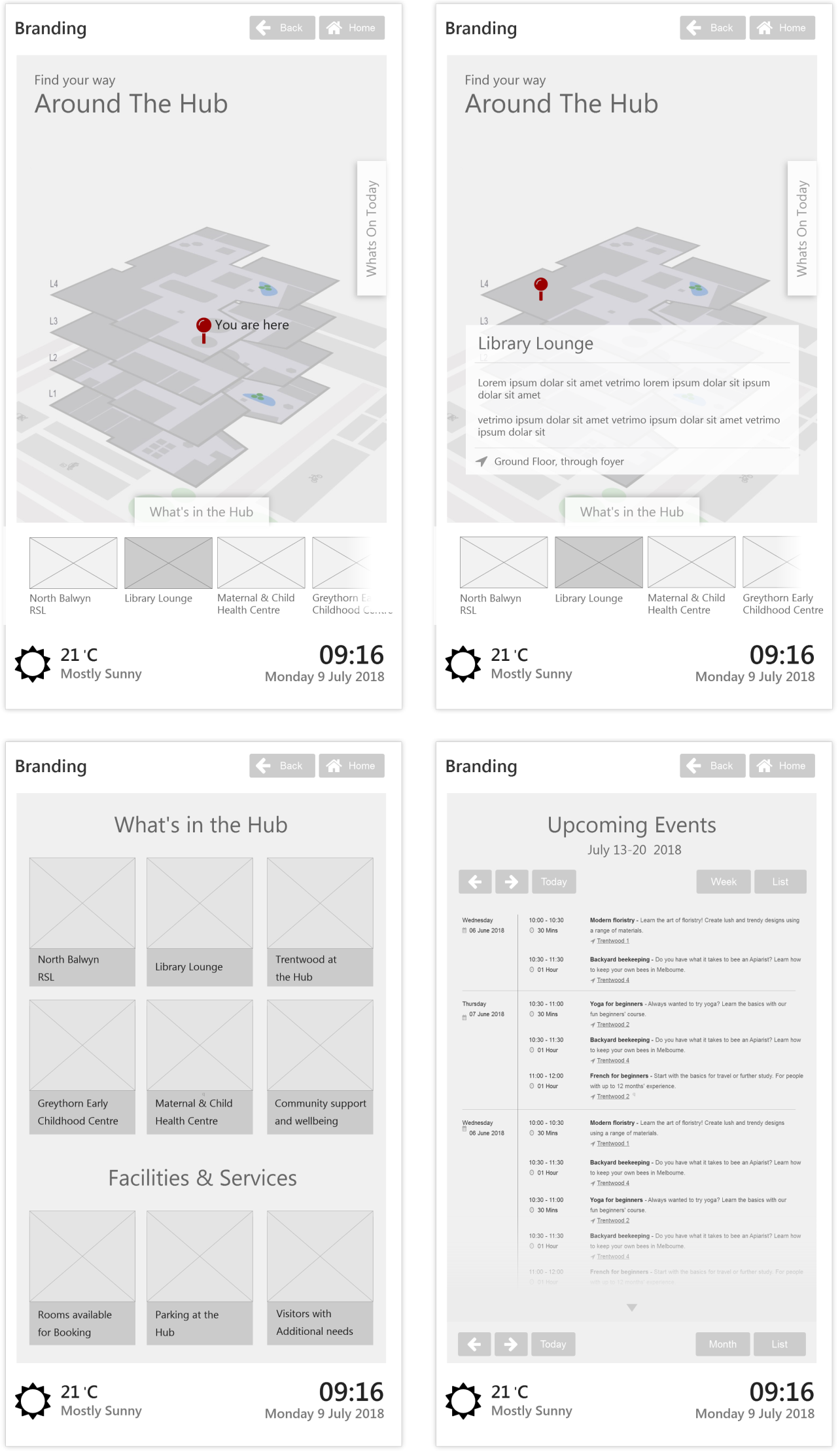
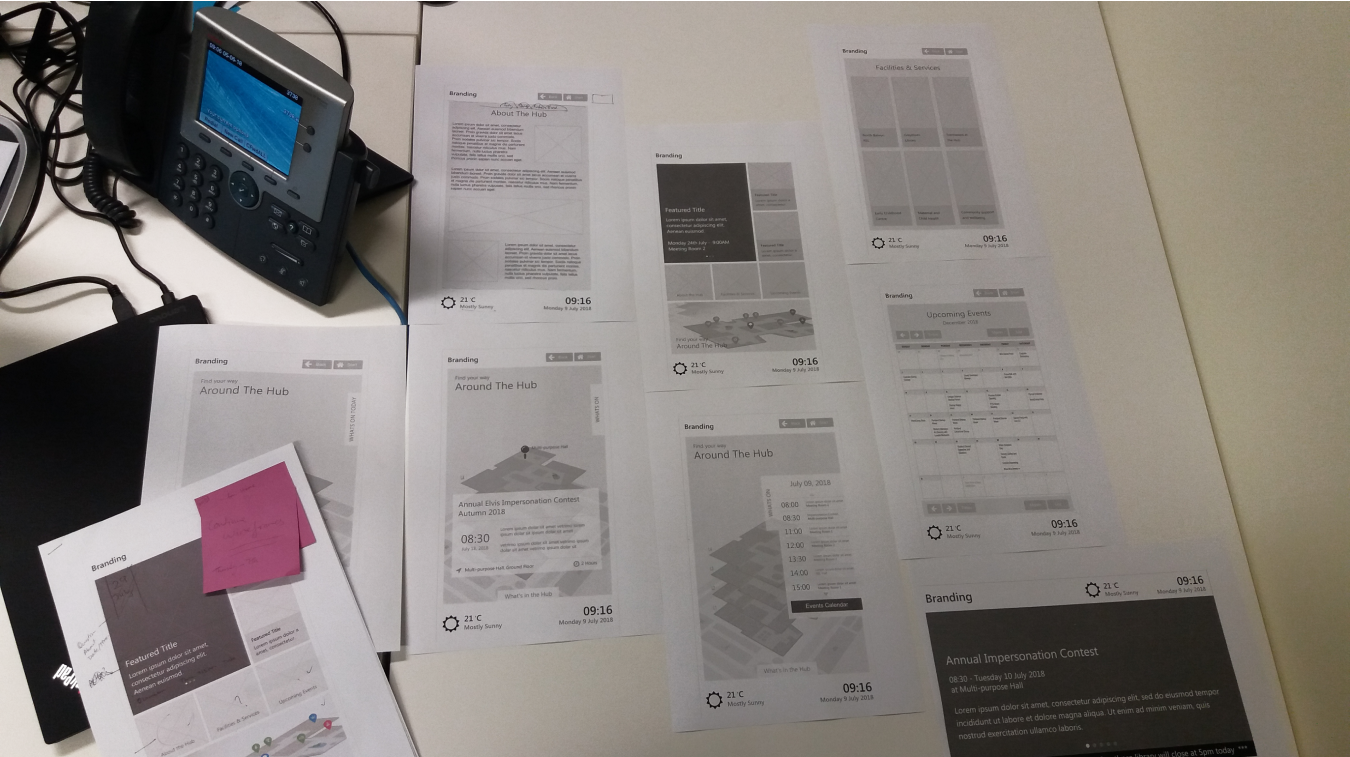
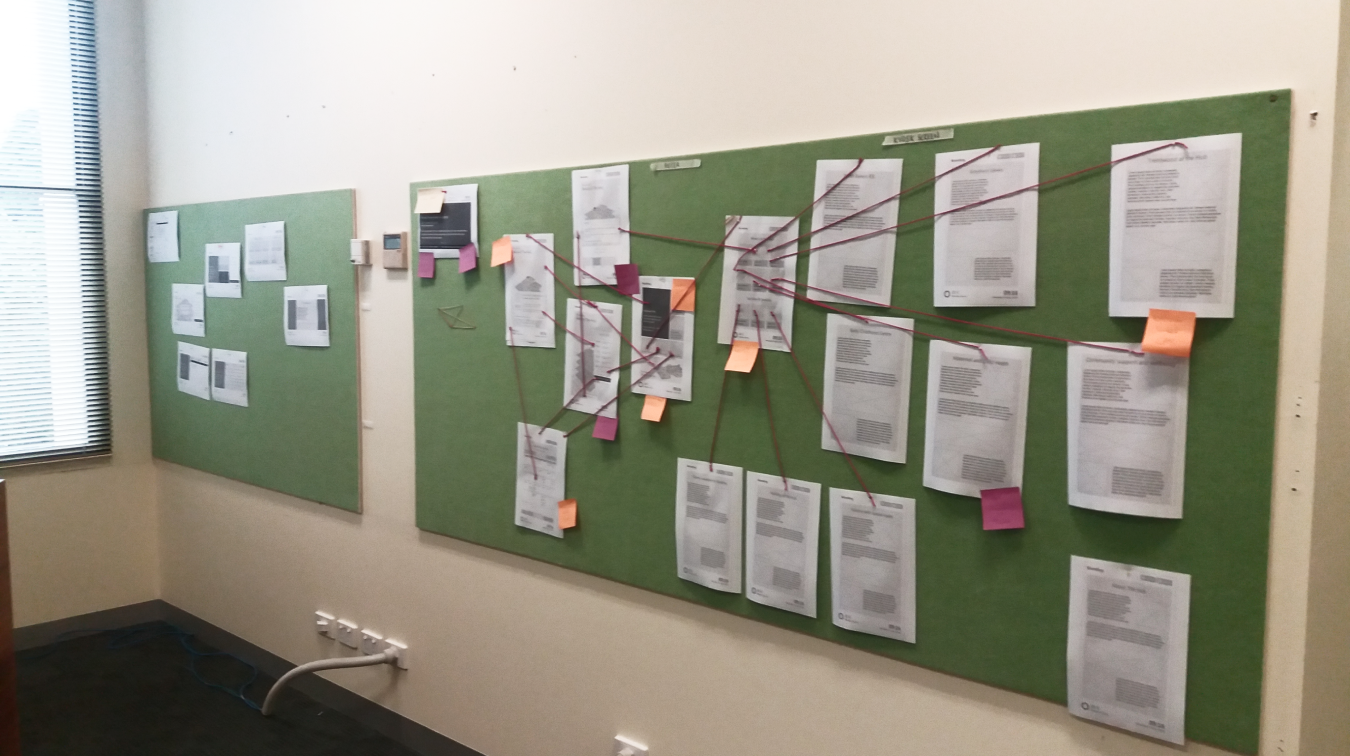
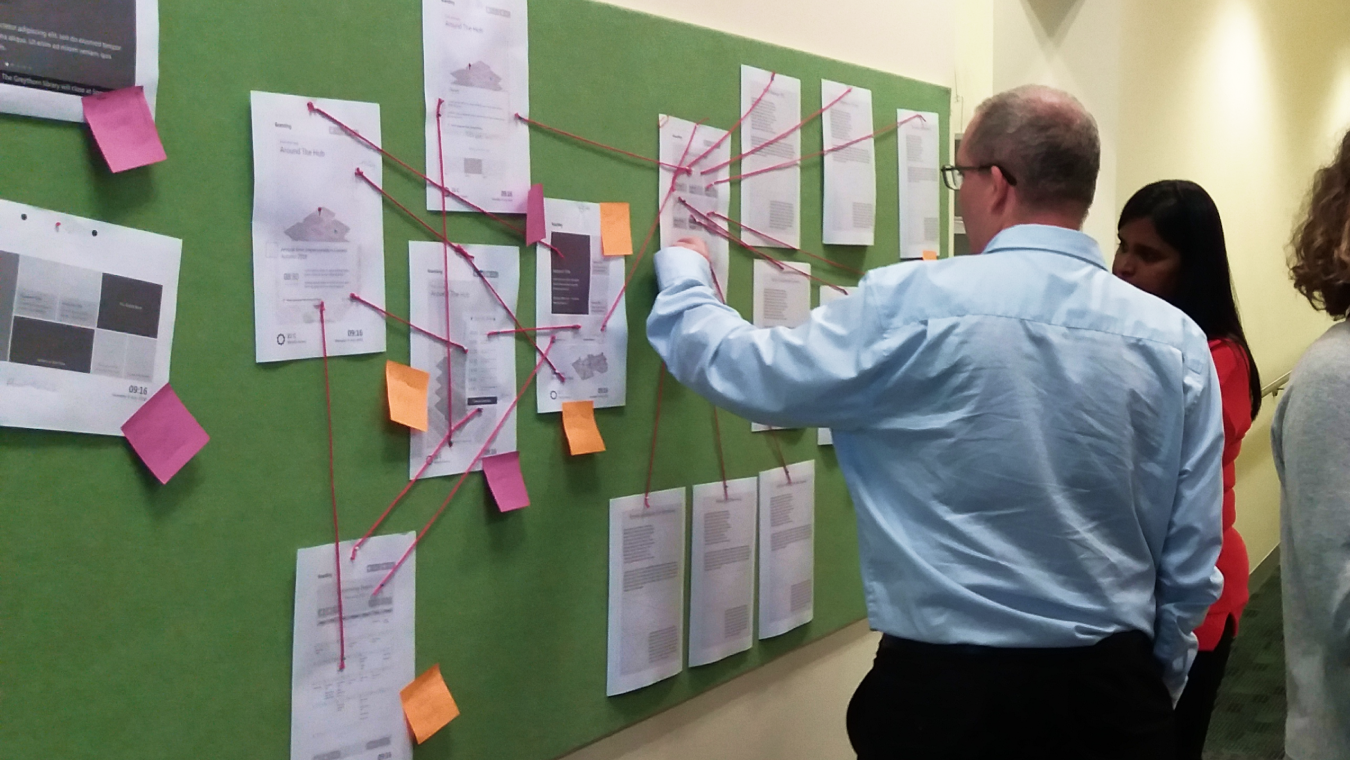
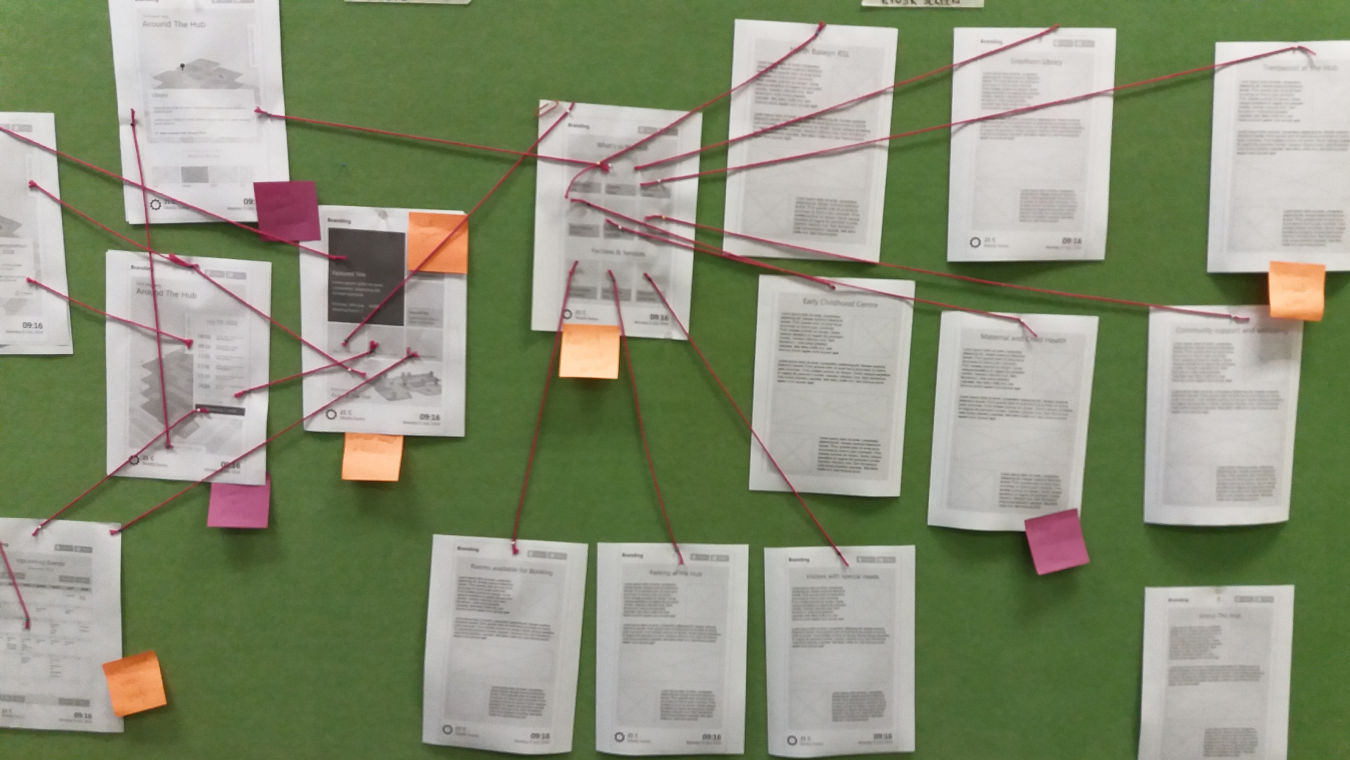
I took an old-school approach to visualising the user flow by printing out wireframes and stringing them up on the wall. This allowed everyone in the council to see the big picture, providing an opportunity to discuss and improve ideas.
This hands-on approach to collaboration not only helped develop a better product, but it was also a fun and engaging way to bring my ideas to life.
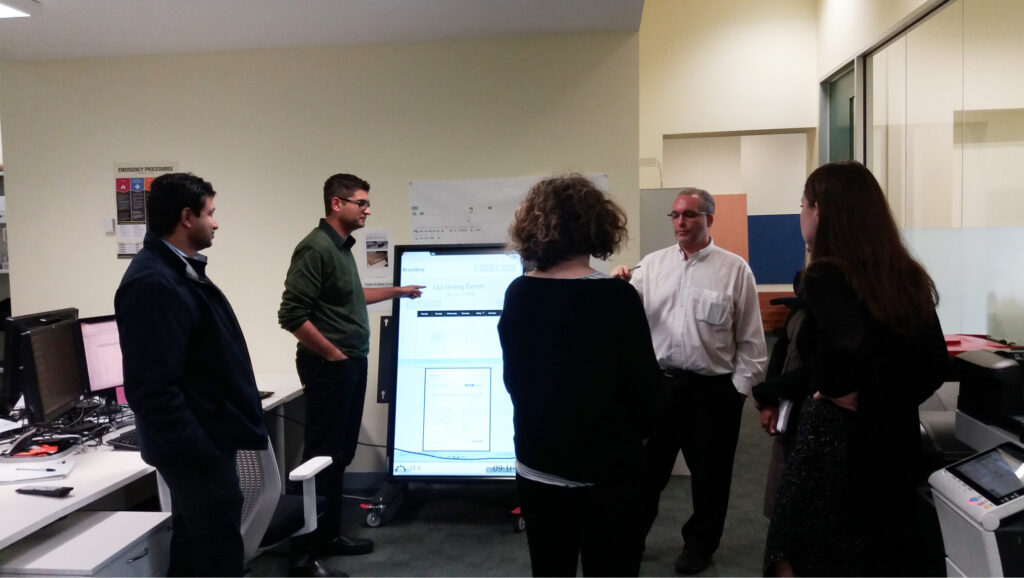
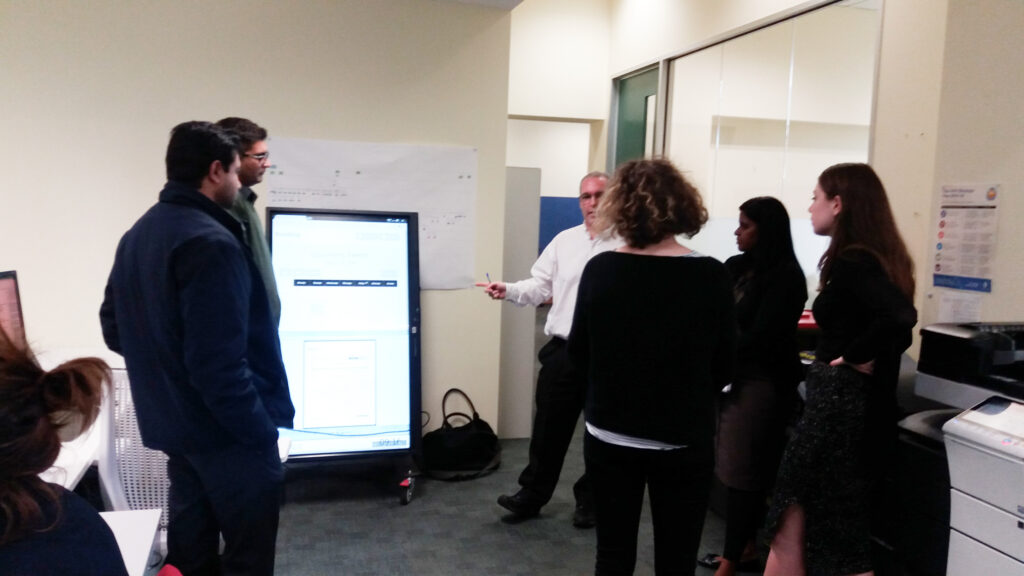
Time to test out the concept designs on large screens
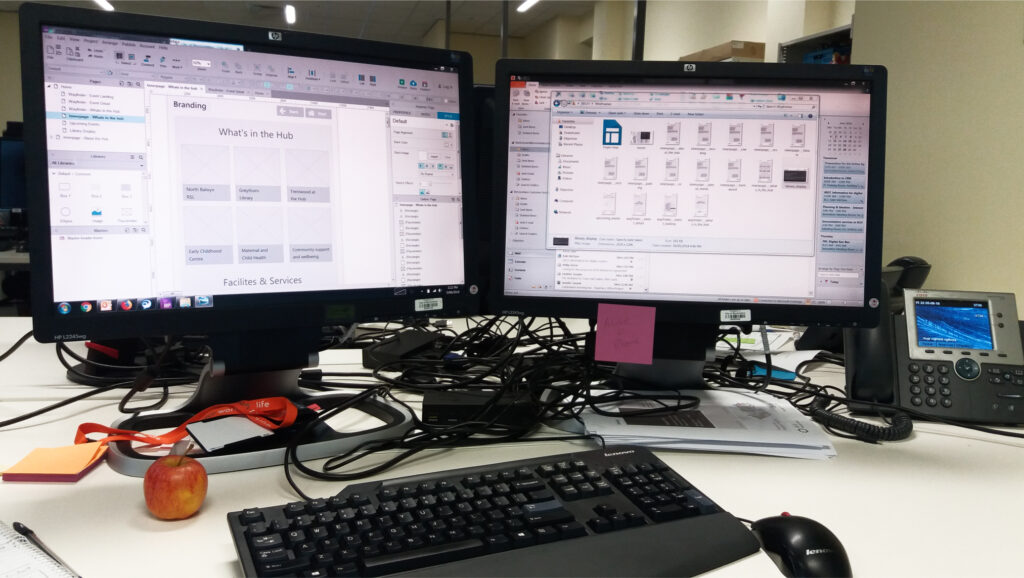
After several iterations and incorporating feedback from the team, the wireframes had matured and were ready to be tested.
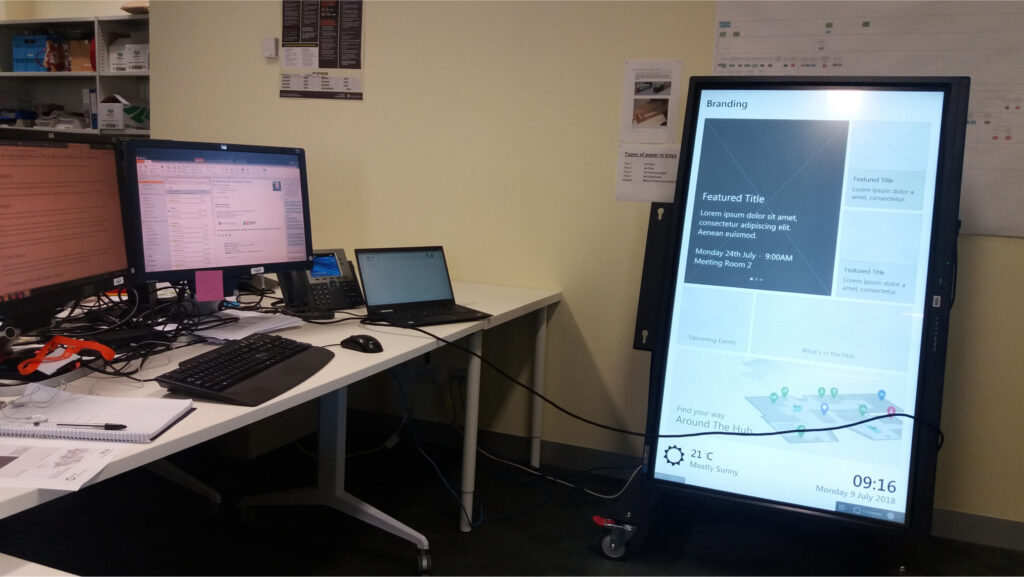
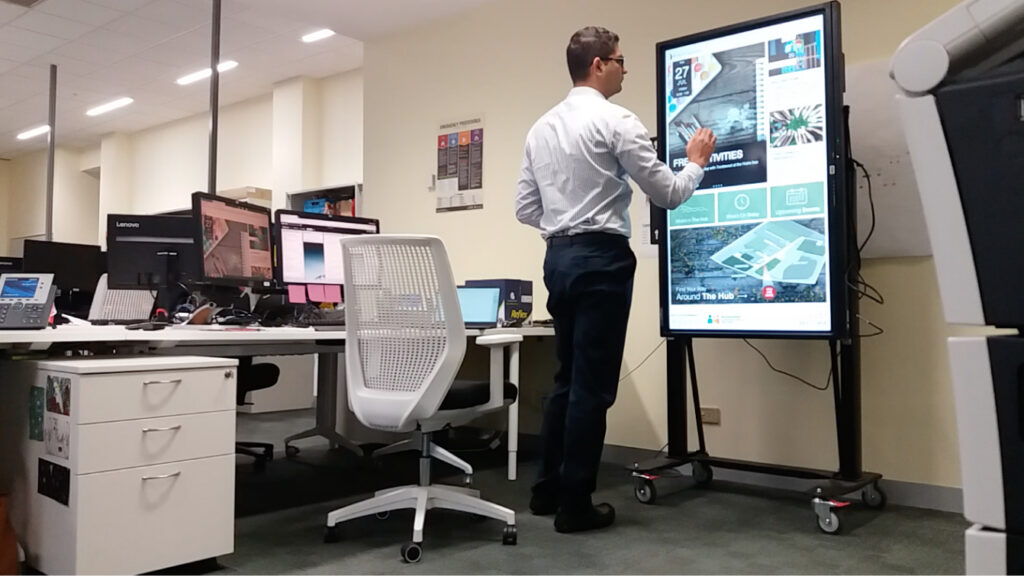
It was time to turn the wireframes into something tangible, so I got to work setting up an interactive prototype on a large test screen.
Using InVision, I created an interactive prototype and made sure it was near the exit door so that everyone could play around with it and provide feedback.
Ready to change the council's customer engagement
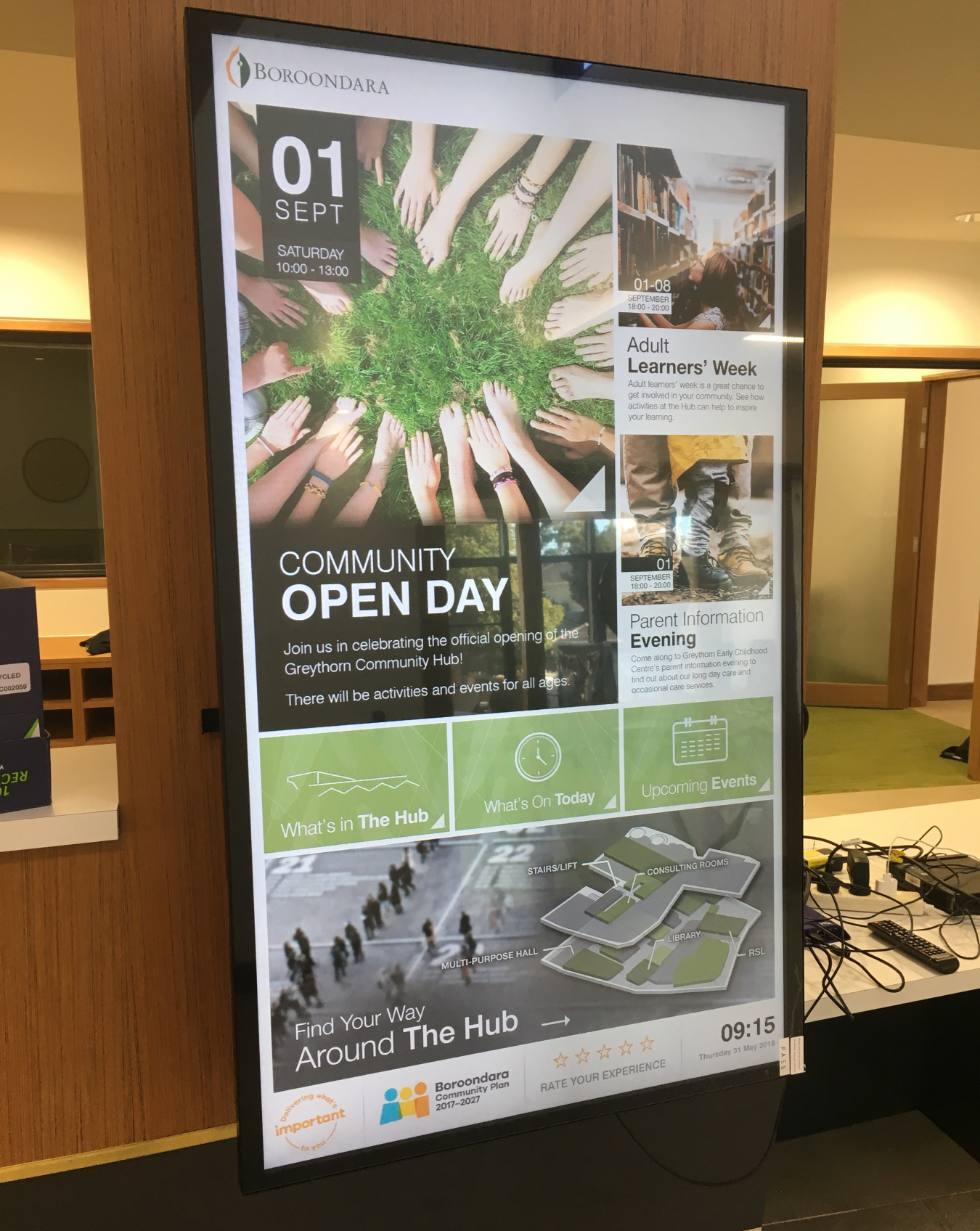
After several rounds of feedback, iteration, and refinement, the hi-fidelity visual designs were ready to be presented.
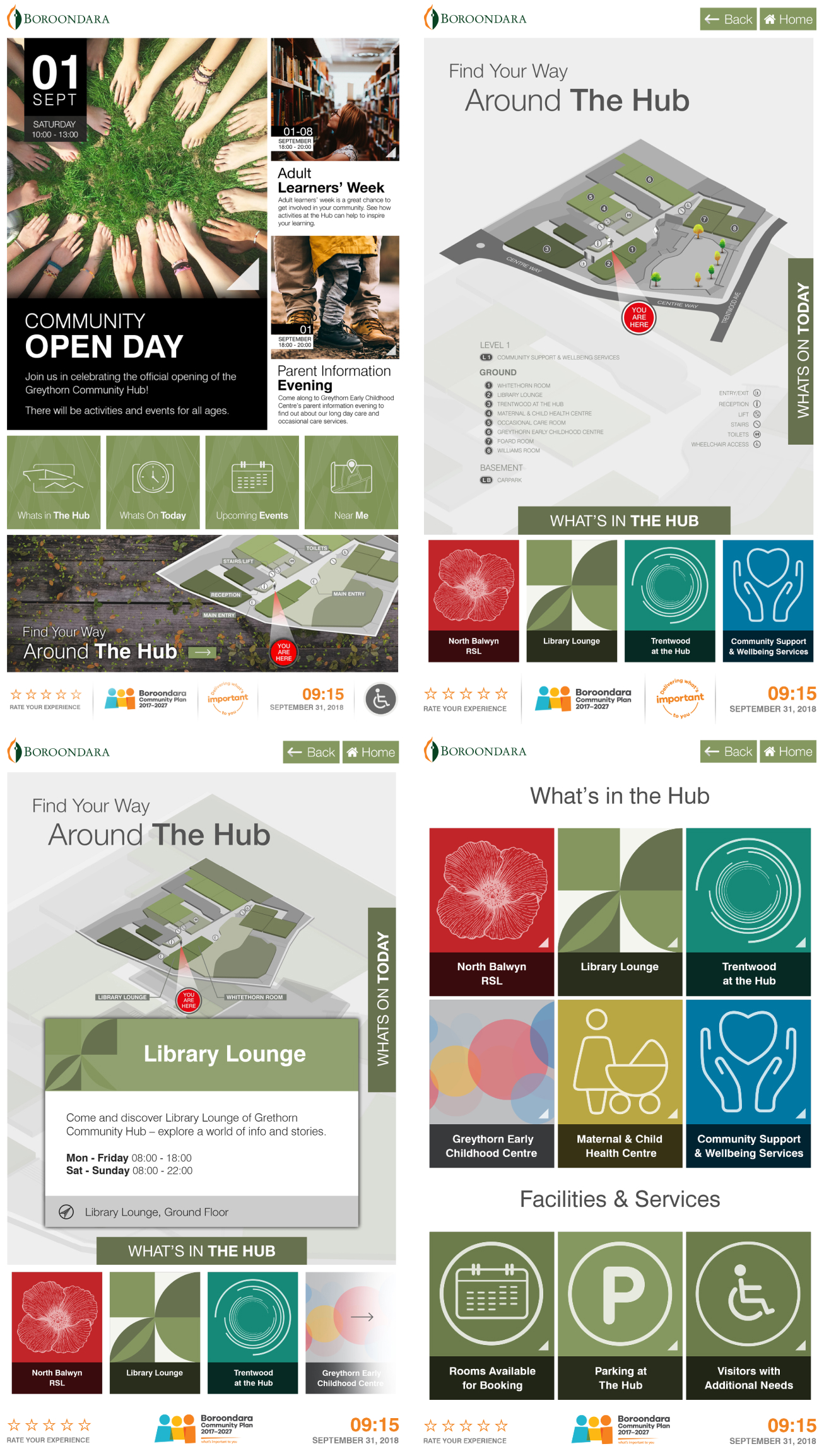
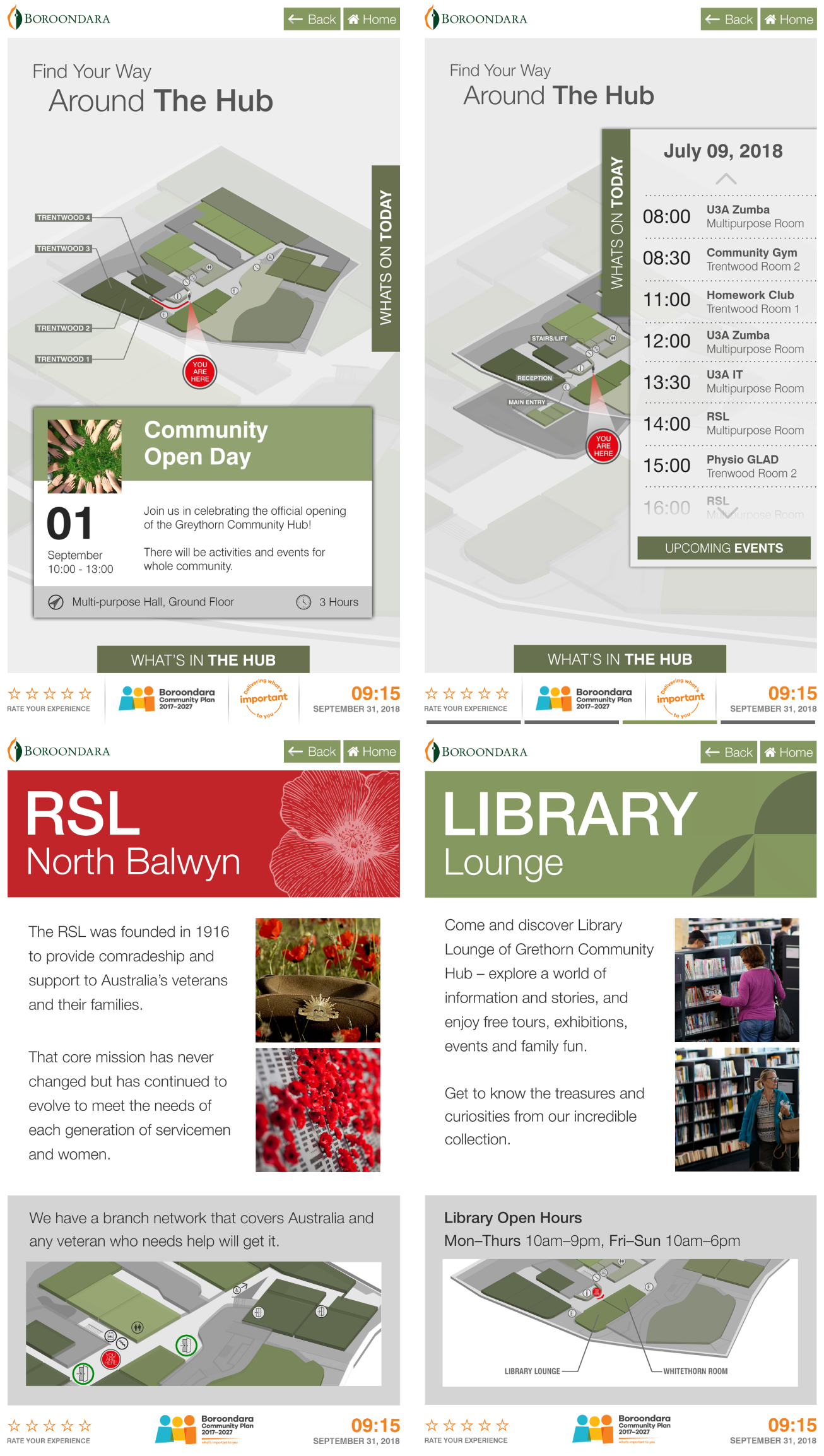
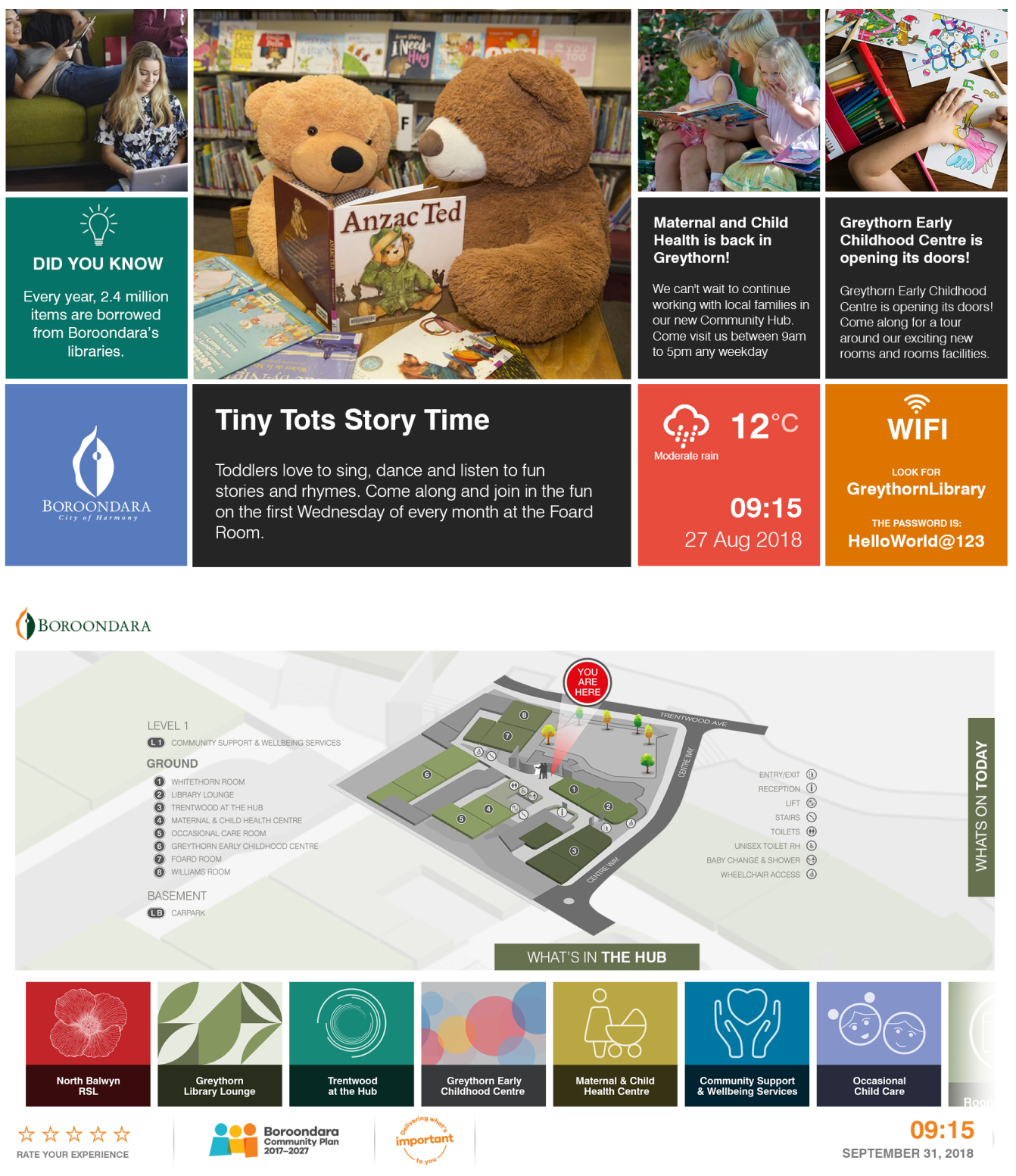
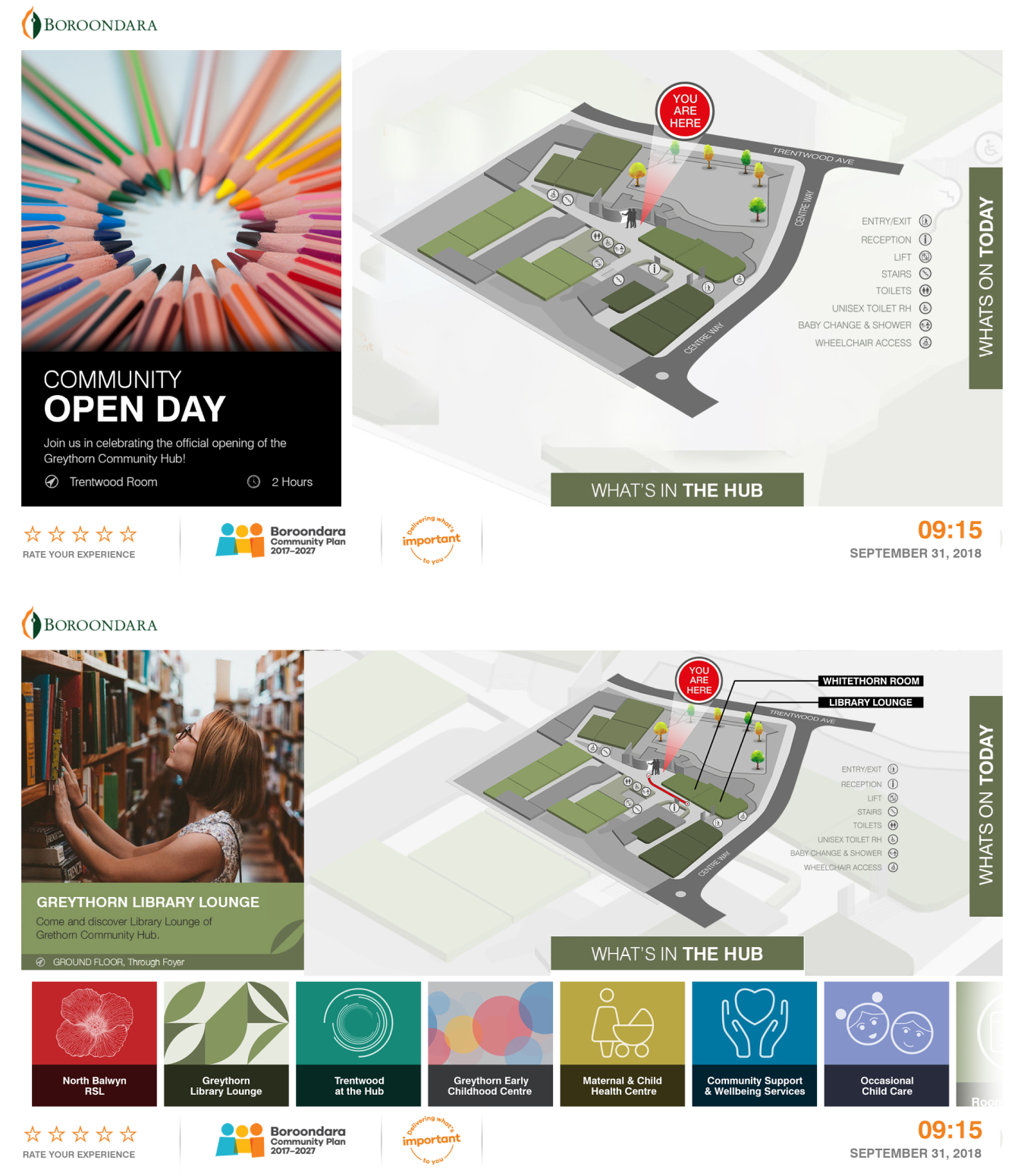
Putting it to the test: from accessibility to usability
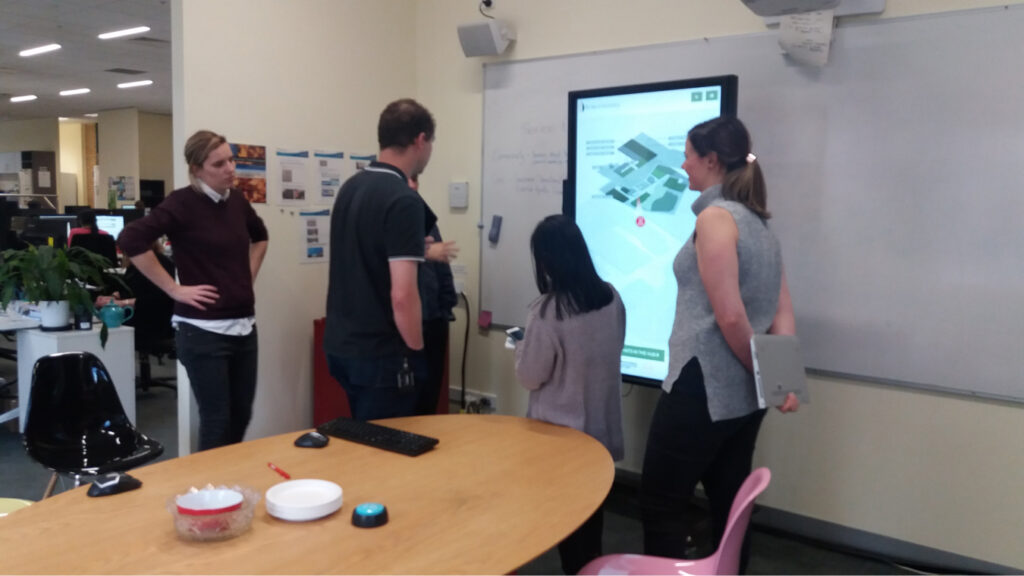
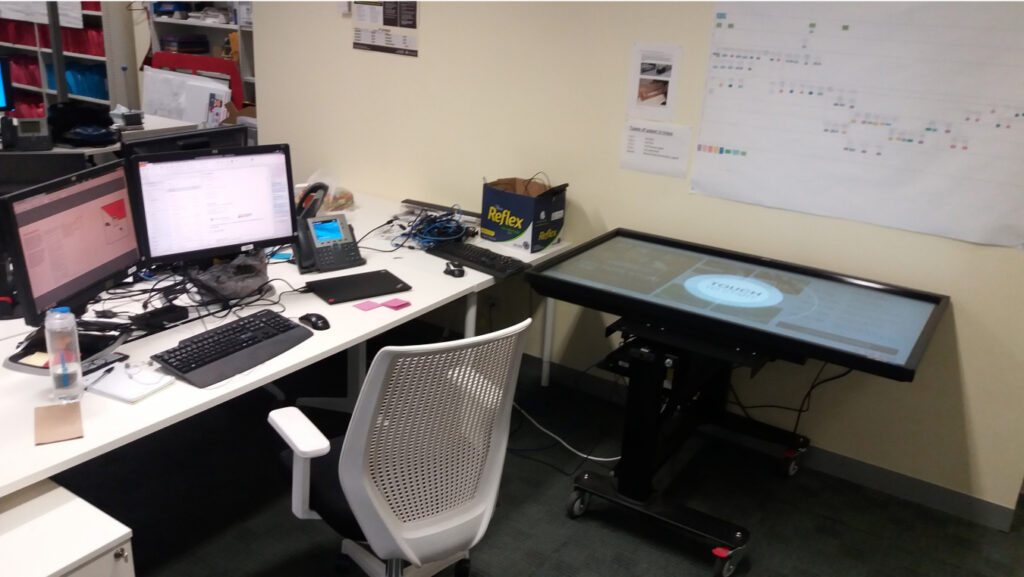
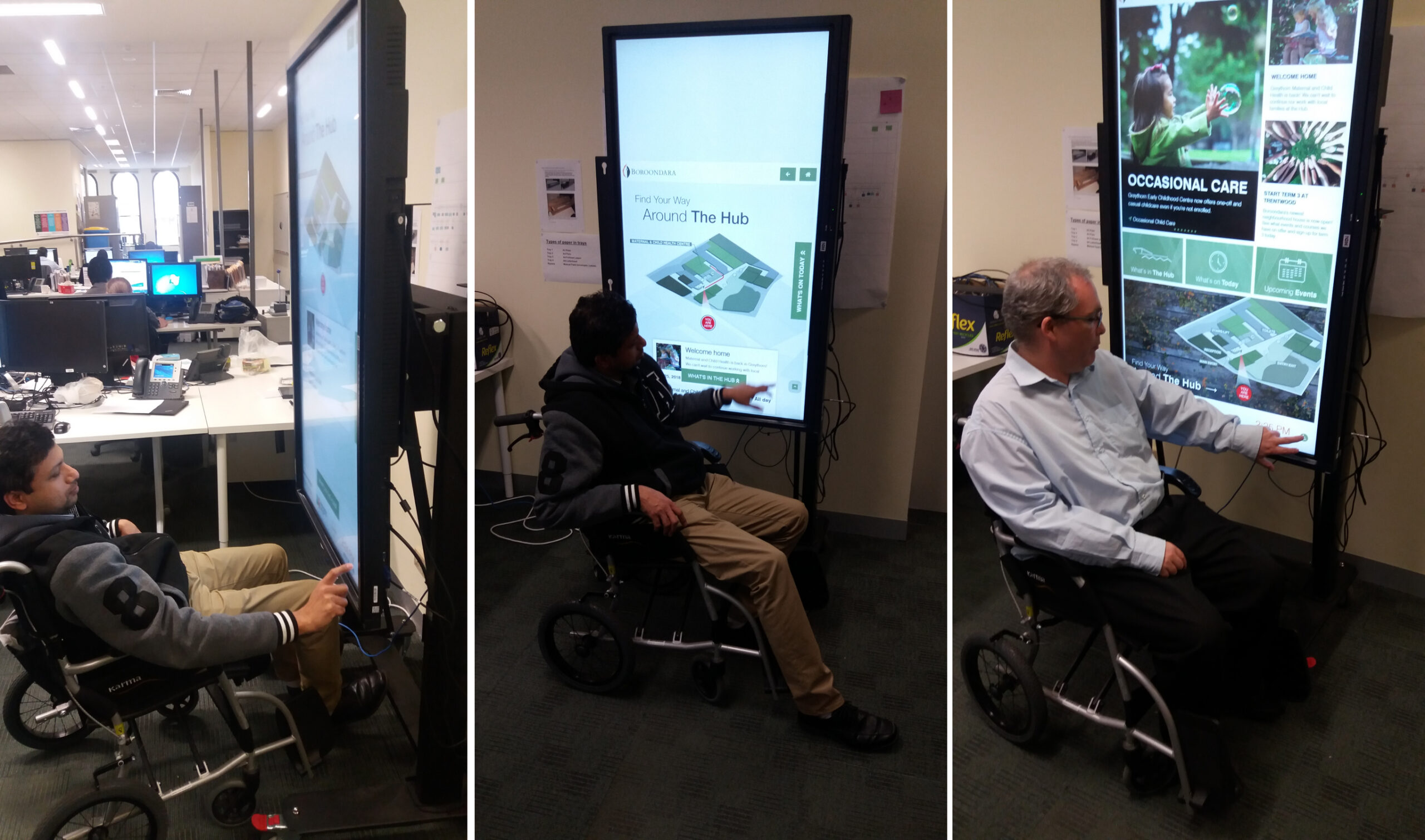
I took the interactive screen around the office to different locations, inviting teams to interact with the prototype. We even brought in a wheelchair to test the accessibility of the design, while ensuring it was WCAG AA compliant.
Council teams had fun testing it from different perspectives, and I continued tweaking the design based on their feedback for several days.
And we're live…
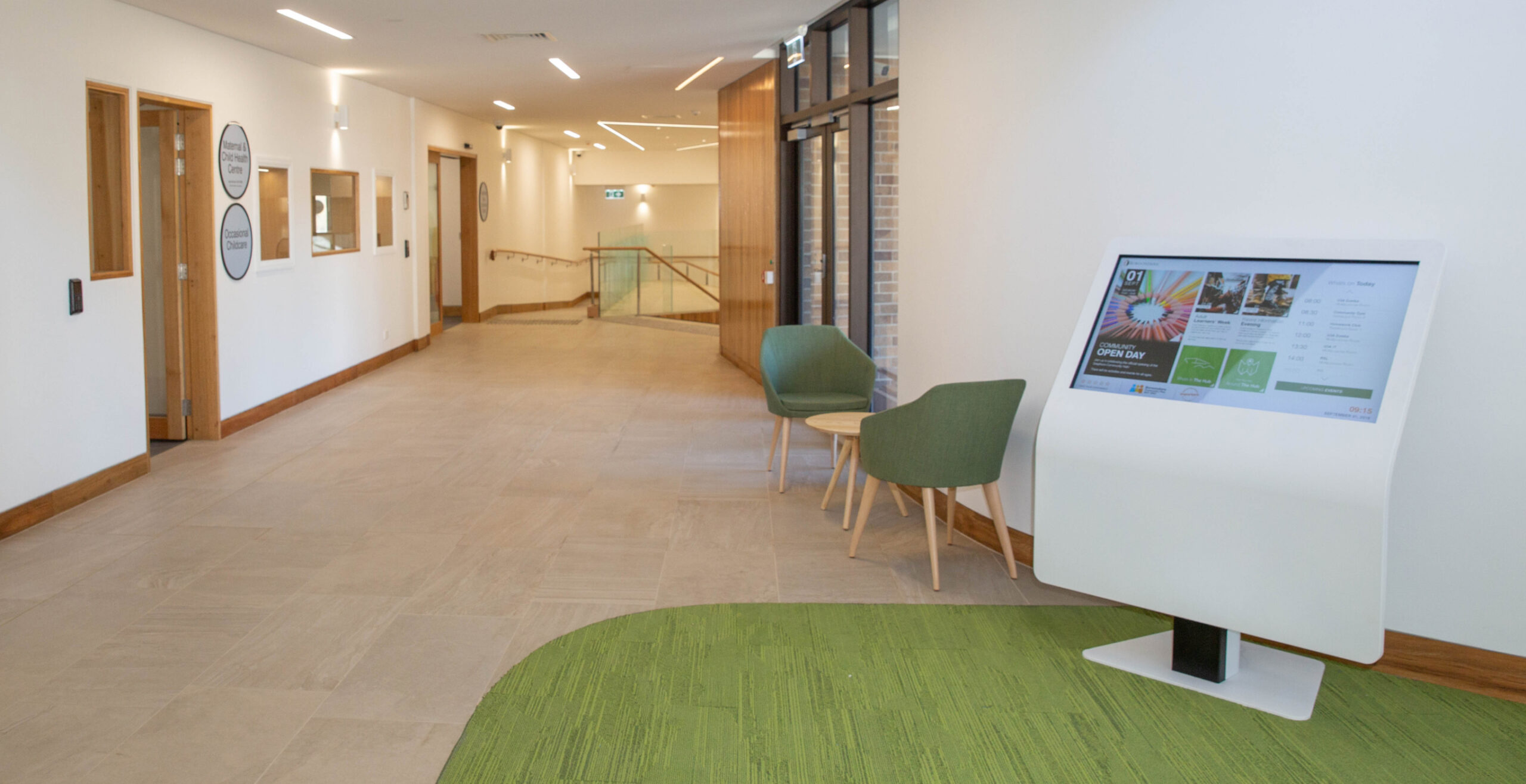
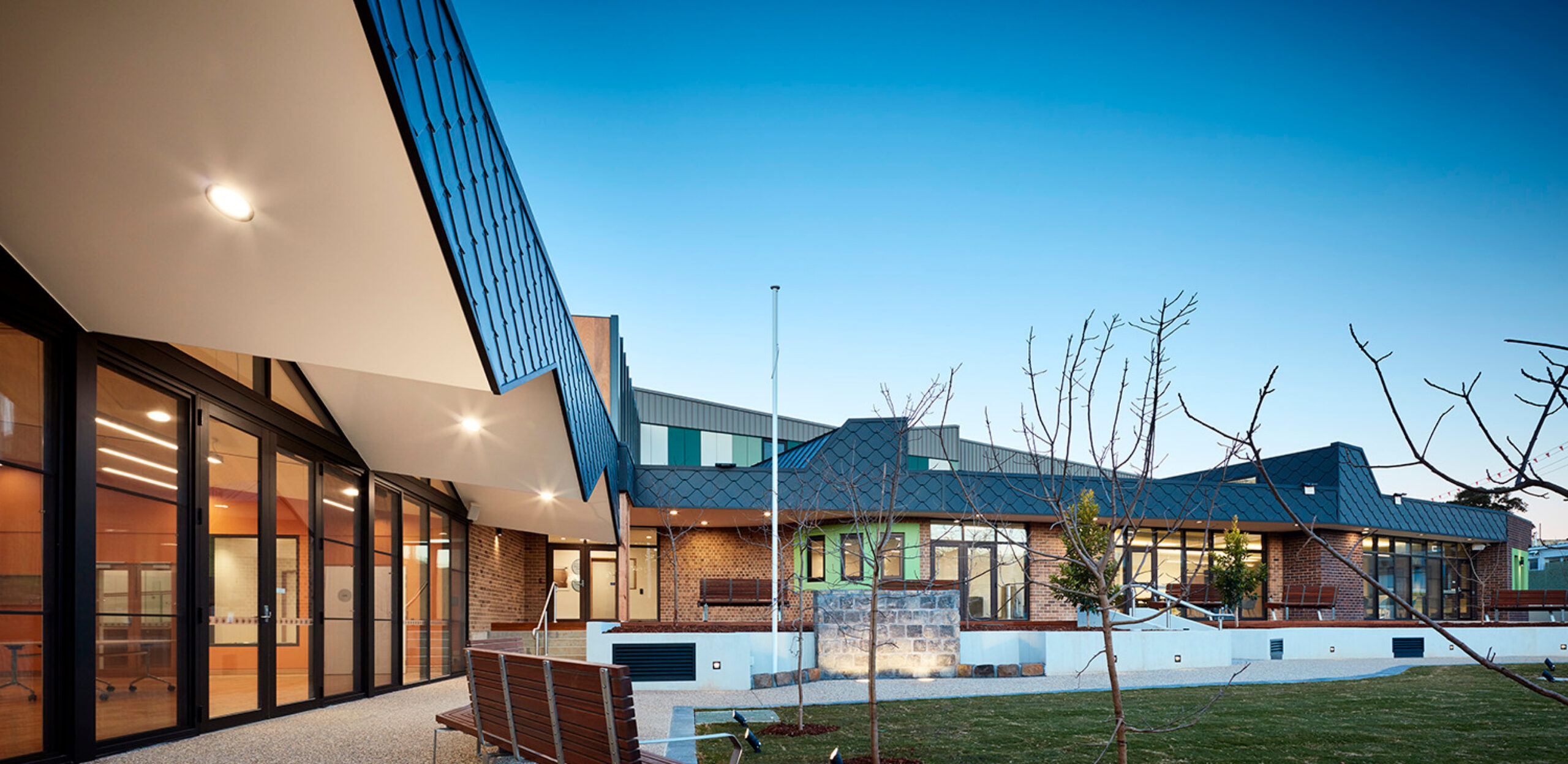
After months of hard work the screens are live at the Greythorn Community Hub. It's a proud moment to see this finally implemented in a real-world setting, and to know its positive impact on the community.